
This developer guide walks through integrating WhatsApp Business Platform APIs into your custom backend systems.
1. Authentication & API Key Lifecycle
To make authenticated API calls, generate an organization static API Key.
- Navigate to Console > WhatsApp > API Keys (
/console/whatsapp/api-keys). - Click Generate API key and copy the one-time secret.
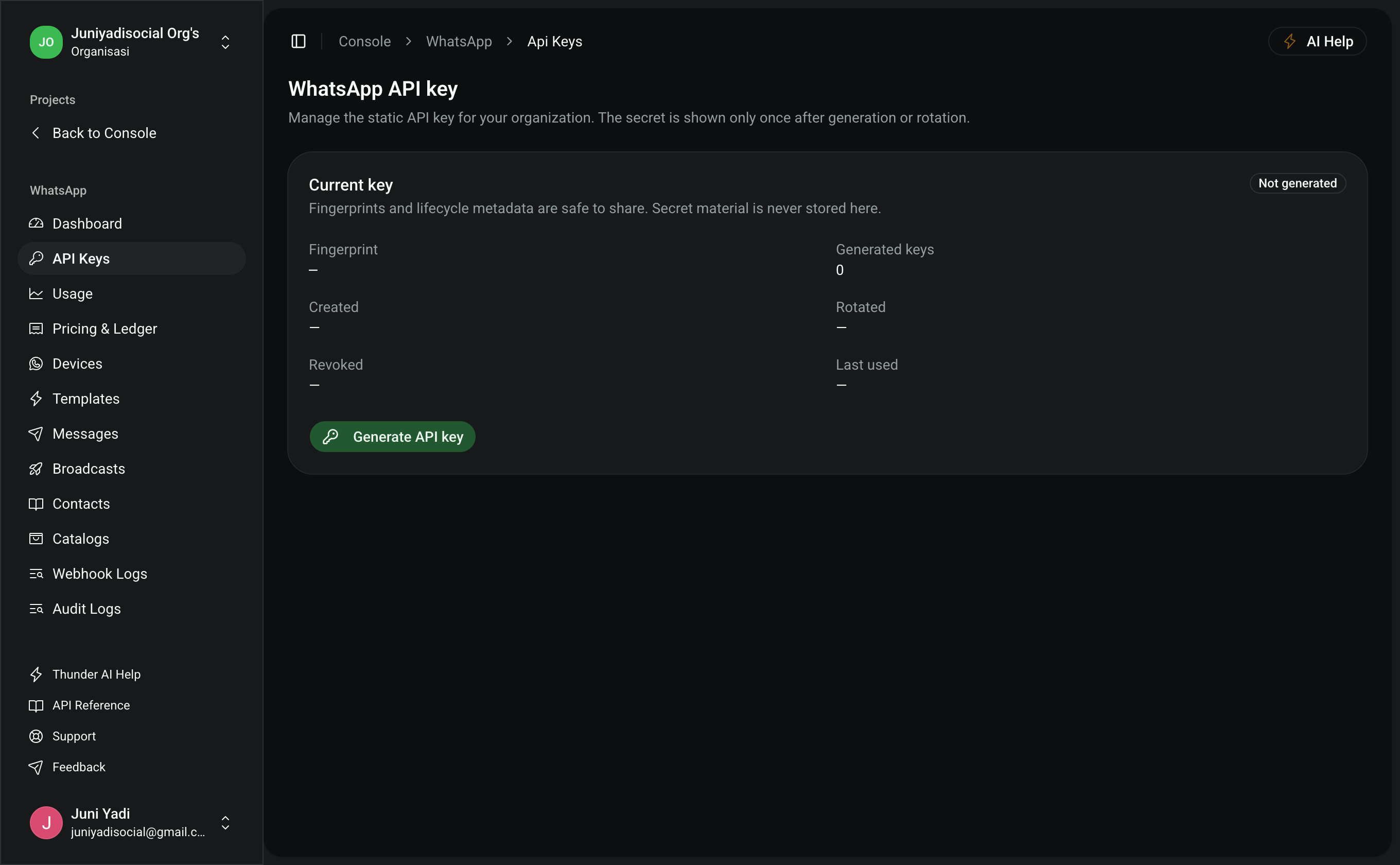
Pass the key in your HTTP requests:
HTTP
Authorization: Bearer pfn_wa_sec_xxxxxxxxxxxxxxxxxxxxxxxxxxxx
or
HTTP
x-api-key: pfn_wa_sec_xxxxxxxxxxxxxxxxxxxxxxxxxxxx
2. Interactive OpenAPI Specification
Visit /api/openapi to access the interactive OpenAPI documentation with schema definitions, required parameters, and response models.
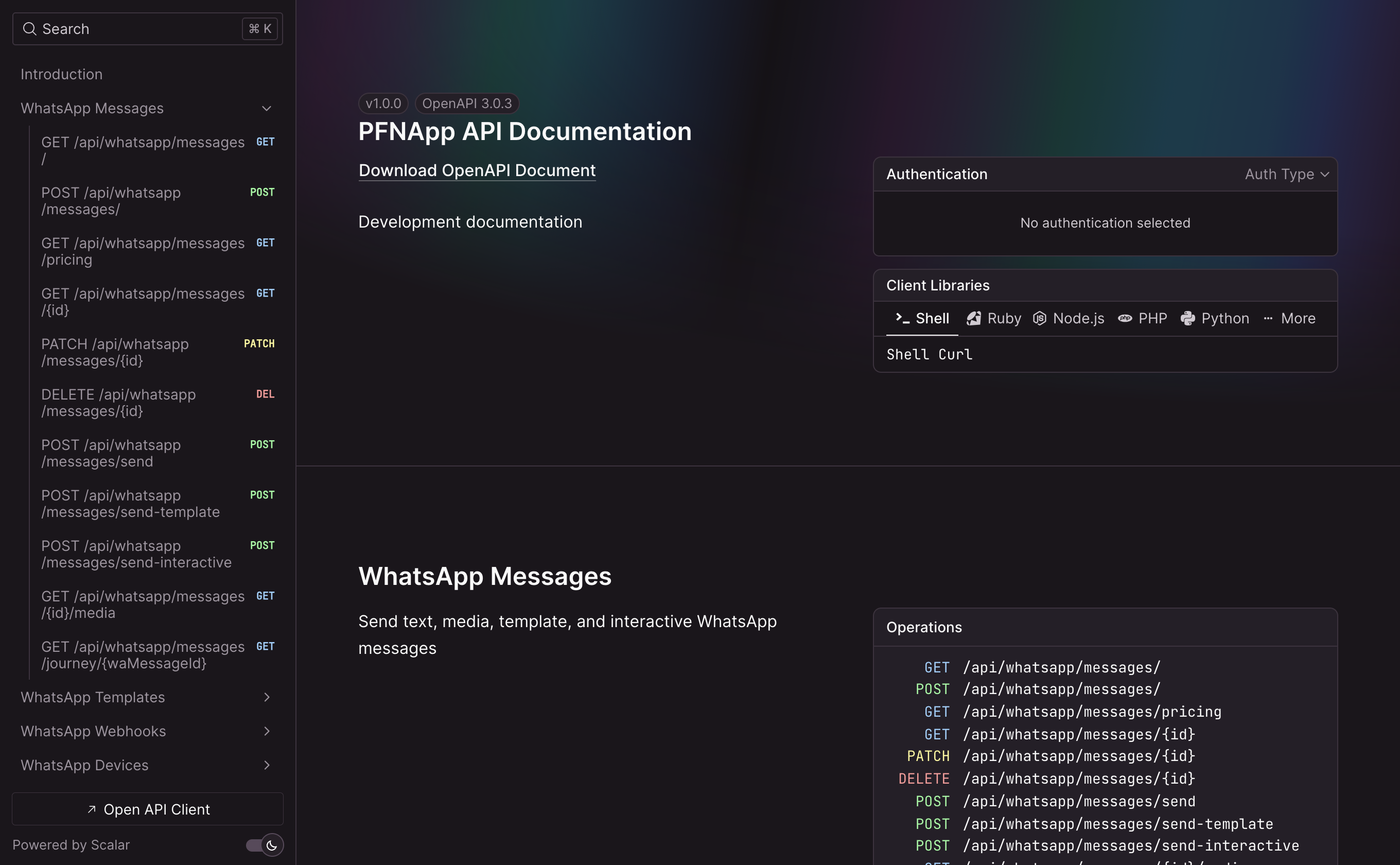
Key WhatsApp Endpoints:
POST /api/whatsapp/messages— Send template, text, or interactive messages.GET /api/whatsapp/devices— List connected WhatsApp sender numbers.GET /api/whatsapp/templates— List registered templates and dynamic parameters.
3. Switching Code Examples
The API Reference provides ready-to-use code snippets in multiple languages:
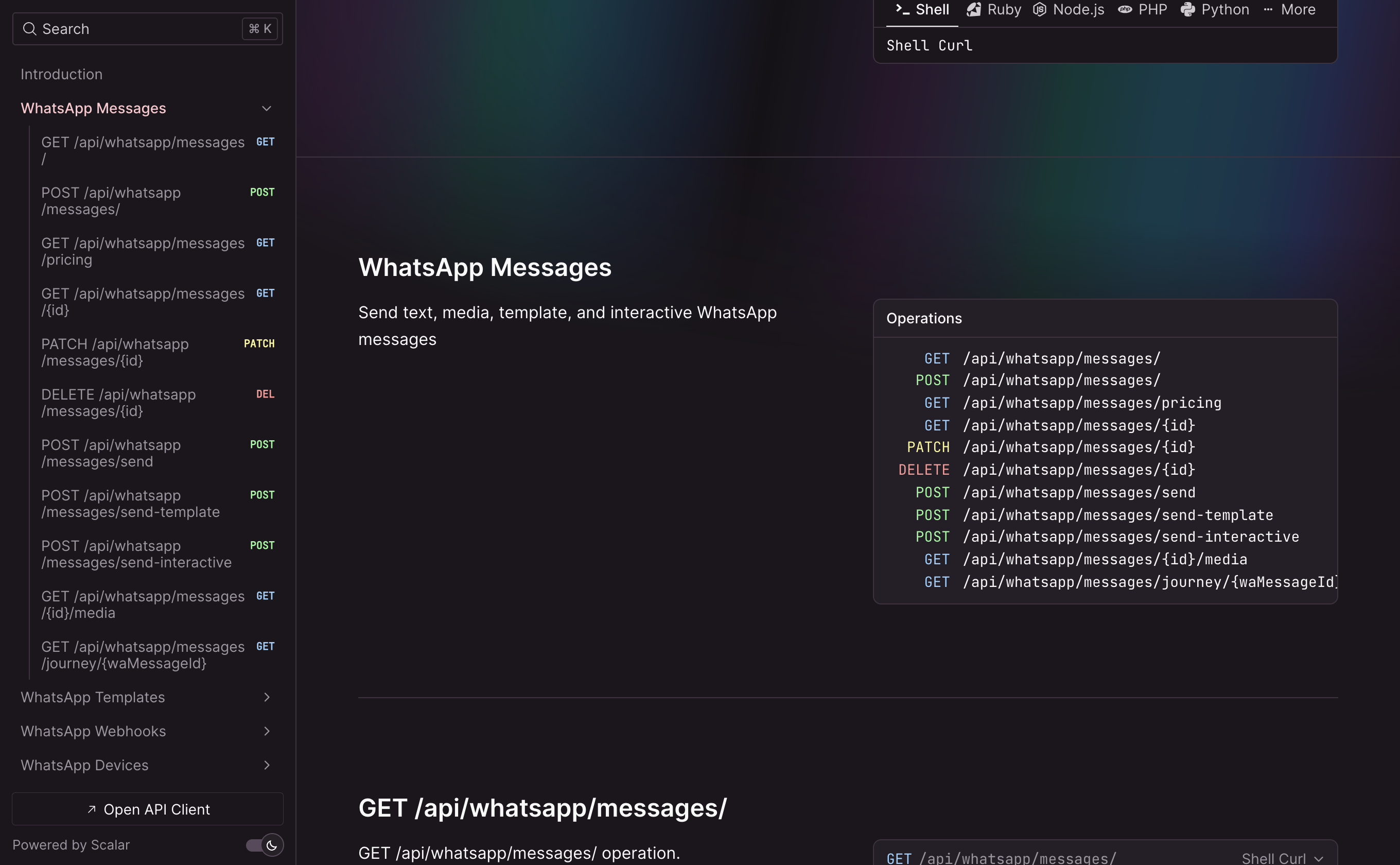
4. Code Examples
cURL
BASH
1curl -X POST "https://pfnapp.id/api/whatsapp/messages" \
2 -H "Authorization: Bearer pfn_wa_sec_xxxxxxxxxxxxxxxxxxxxxxxxxxxx" \
3 -H "Content-Type: application/json" \
4 -d '{
5 "to": "+6281234567890",
6 "type": "template",
7 "template": {
8 "name": "order_status_update",
9 "language": {
10 "code": "id"
11 },
12 "components": [
13 {
14 "type": "body",
15 "parameters": [
16 { "type": "text", "text": "Budi" },
17 { "type": "text", "text": "INV-2026-001" }
18 ]
19 }
20 ]
21 }
22 }'
TypeScript / Node.js
TYPESCRIPT
1const response = await fetch("https://pfnapp.id/api/whatsapp/messages", {
2 method: "POST",
3 headers: {
4 Authorization: `Bearer ${process.env.PFN_WHATSAPP_API_KEY}`,
5 "Content-Type": "application/json",
6 },
7 body: JSON.stringify({
8 to: "+6281234567890",
9 type: "template",
10 template: {
11 name: "order_status_update",
12 language: { code: "id" },
13 components: [
14 {
15 type: "body",
16 parameters: [
17 { type: "text", text: "Budi" },
18 { type: "text", text: "INV-2026-001" },
19 ],
20 },
21 ],
22 },
23 }),
24})
25
26const data = await response.json()
27console.log("API Response:", data)
Python
PYTHON
1import os
2import requests
3
4url = "https://pfnapp.id/api/whatsapp/messages"
5headers = {
6 "Authorization": f"Bearer {os.getenv('PFN_WHATSAPP_API_KEY')}",
7 "Content-Type": "application/json",
8}
9payload = {
10 "to": "+6281234567890",
11 "type": "template",
12 "template": {
13 "name": "order_status_update",
14 "language": {"code": "id"},
15 "components": [
16 {
17 "type": "body",
18 "parameters": [
19 {"type": "text", "text": "Budi"},
20 {"type": "text", "text": "INV-2026-001"},
21 ],
22 }
23 ],
24 },
25}
26
27res = requests.post(url, json=payload, headers=headers)
28print(res.status_code, res.json())