
This guide explains how to generate, rotate, and securely use your organization's static WhatsApp API key to integrate with the WhatsApp Business Platform APIs.
1. What is an API Key?
Your WhatsApp API Key is a secret token (like a password) that allows your backend software or scripts to send messages and manage devices securely.
Key Security Rules:
- Shown Only Once: When you generate or rotate a key, the secret is displayed once. Copy it immediately to your password manager or environment file (
.env). - One Active Key: Each organization uses one active key at a time.
- Safe Sharing: You can safely share the key's prefix (e.g.
wa_key_...) with colleagues for debugging without exposing the real secret.
2. Generating Your API Key
Step 1: Open the Console
Navigate to Console > WhatsApp > API Key (/console/whatsapp/api-keys).
If your organization does not yet have an active API key, the status badge will indicate Not generated.
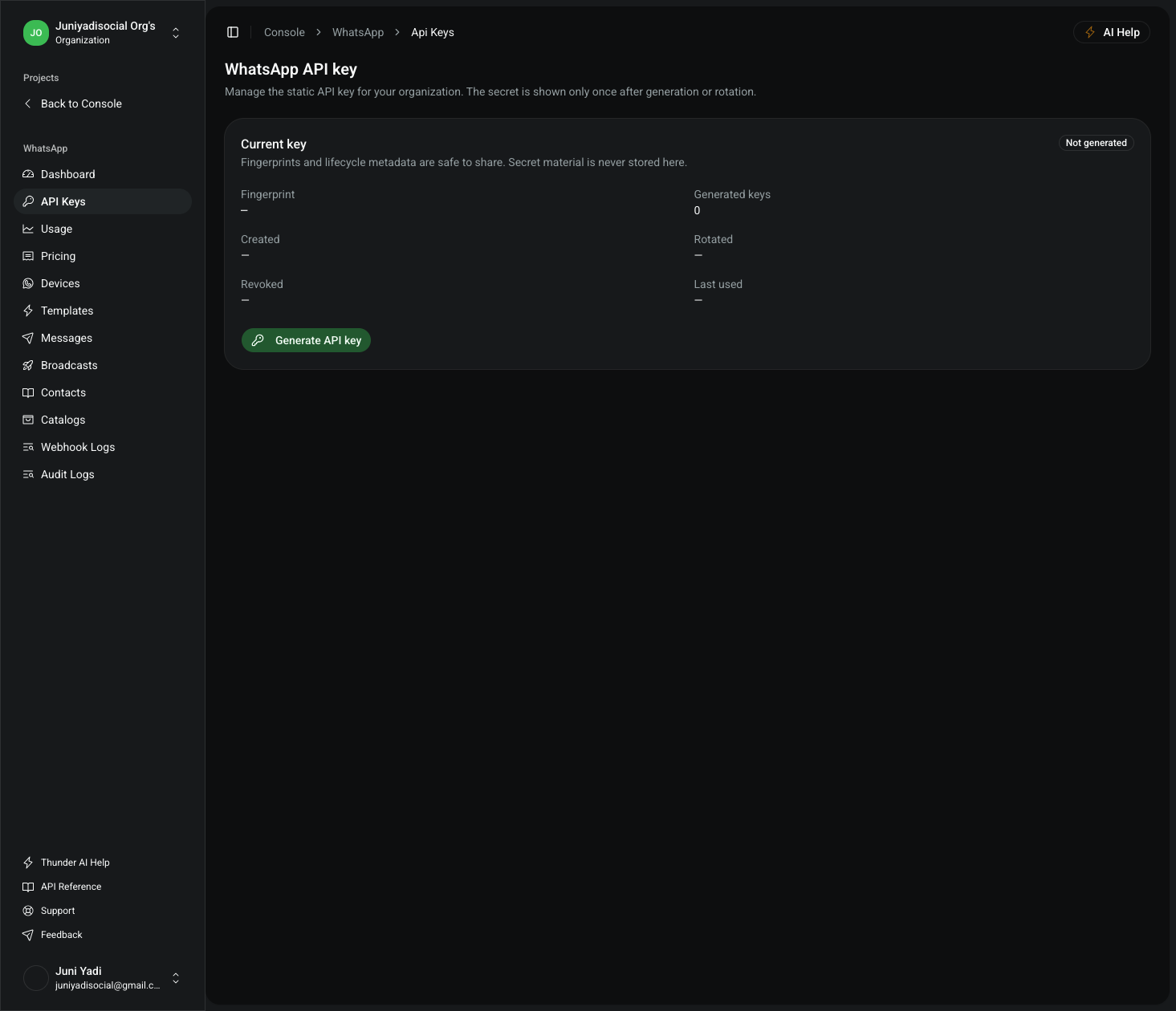
Step 2: Generate the Key
- Click the "Generate API key" button.
- The system immediately provisions the key and presents the One-time API secret banner.
- Click "Copy secret" to copy your secret key to your password manager or environment secrets vault.
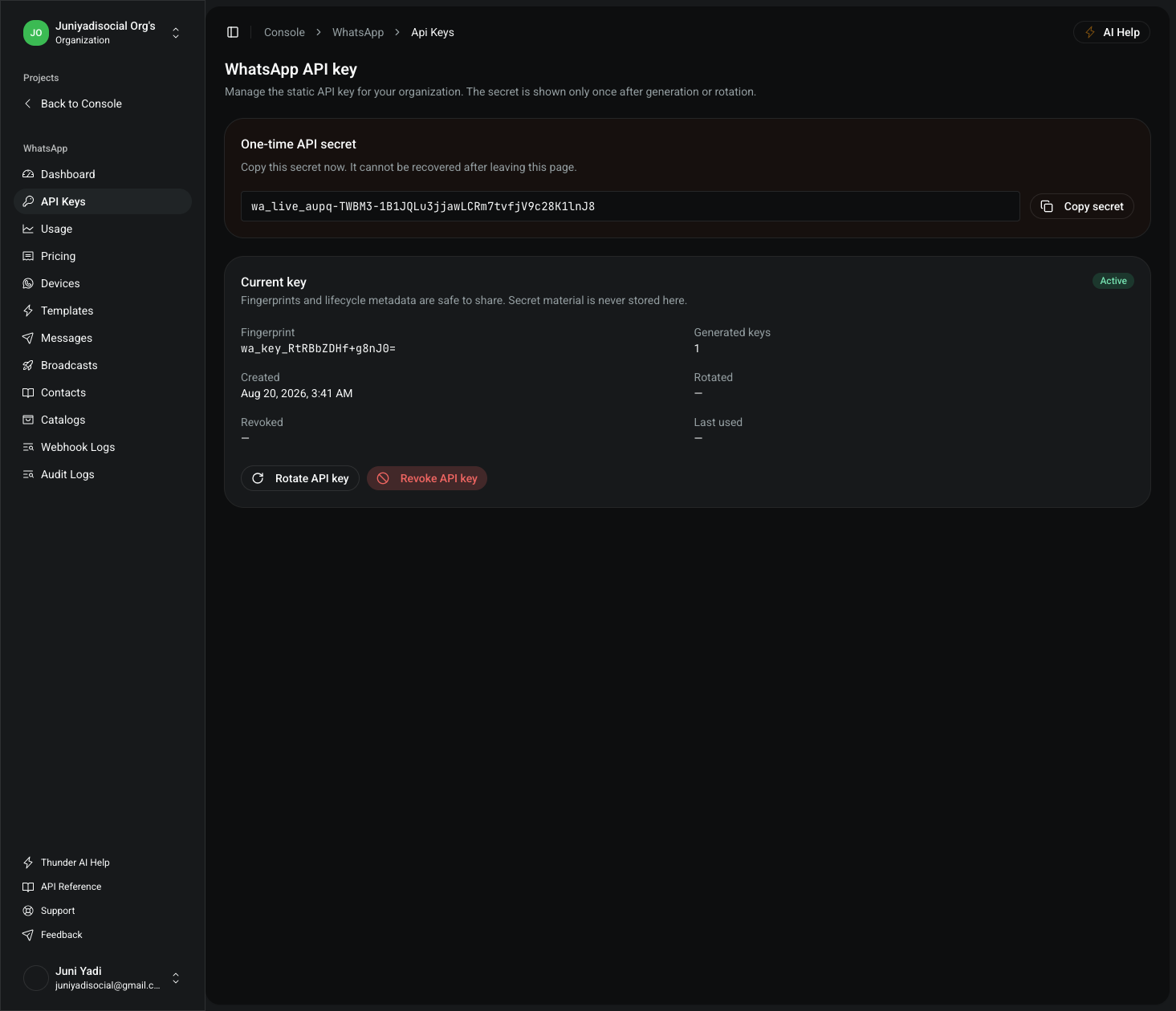
⚠️ Important: Once you navigate away or refresh the page, the secret cannot be shown again. If you lose the secret, you must rotate the key.
3. Key Lifecycle Management
Rotating an API Key
If you suspect your key has been leaked or your security policy requires periodic rotation:
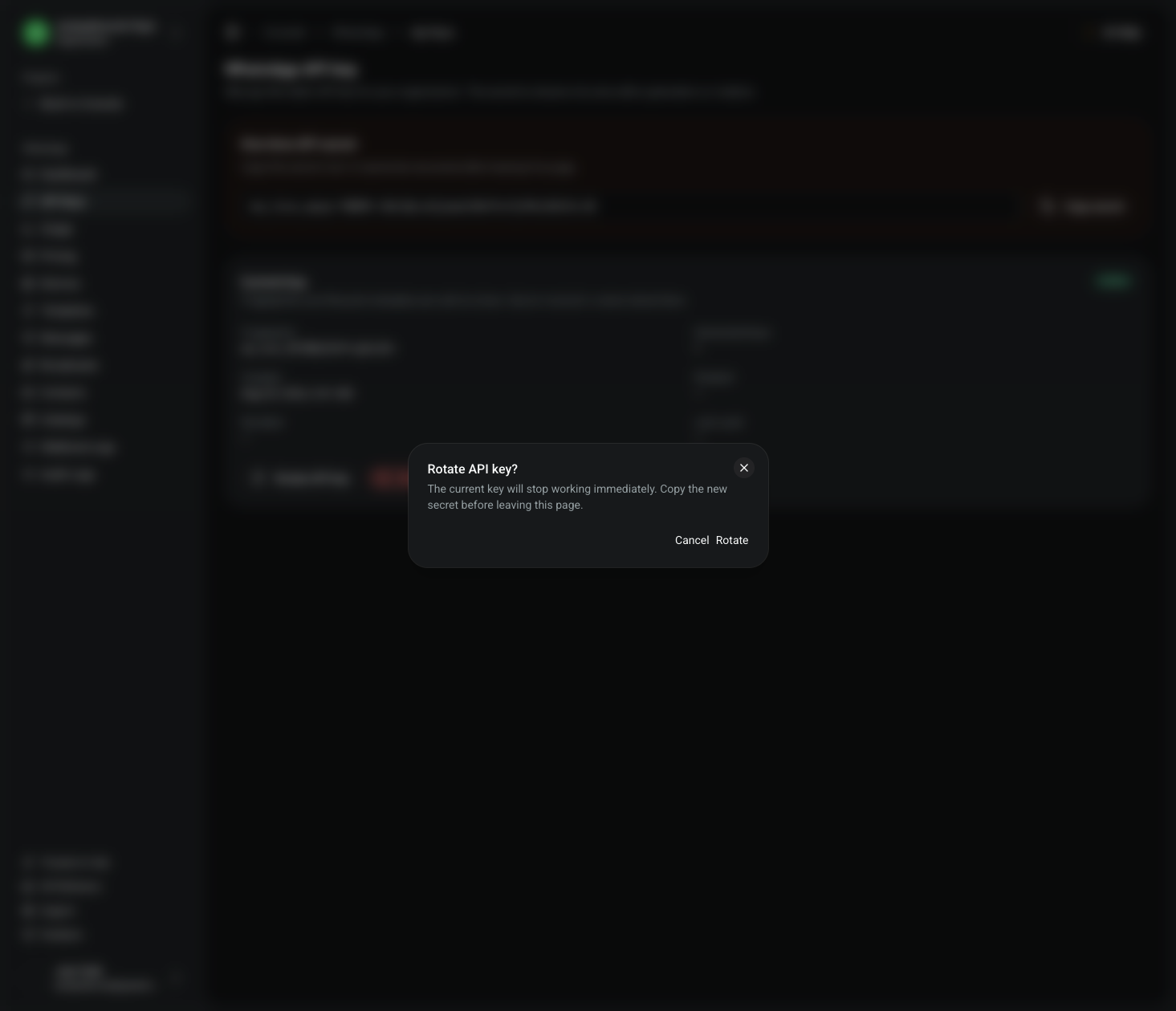
- Click "Rotate API key".
- Read the confirmation dialog: The current key will stop working immediately.
- Confirm rotation to generate a new key and receive a fresh one-time secret.
Revoking an API Key
To immediately terminate all API access without issuing a replacement key:
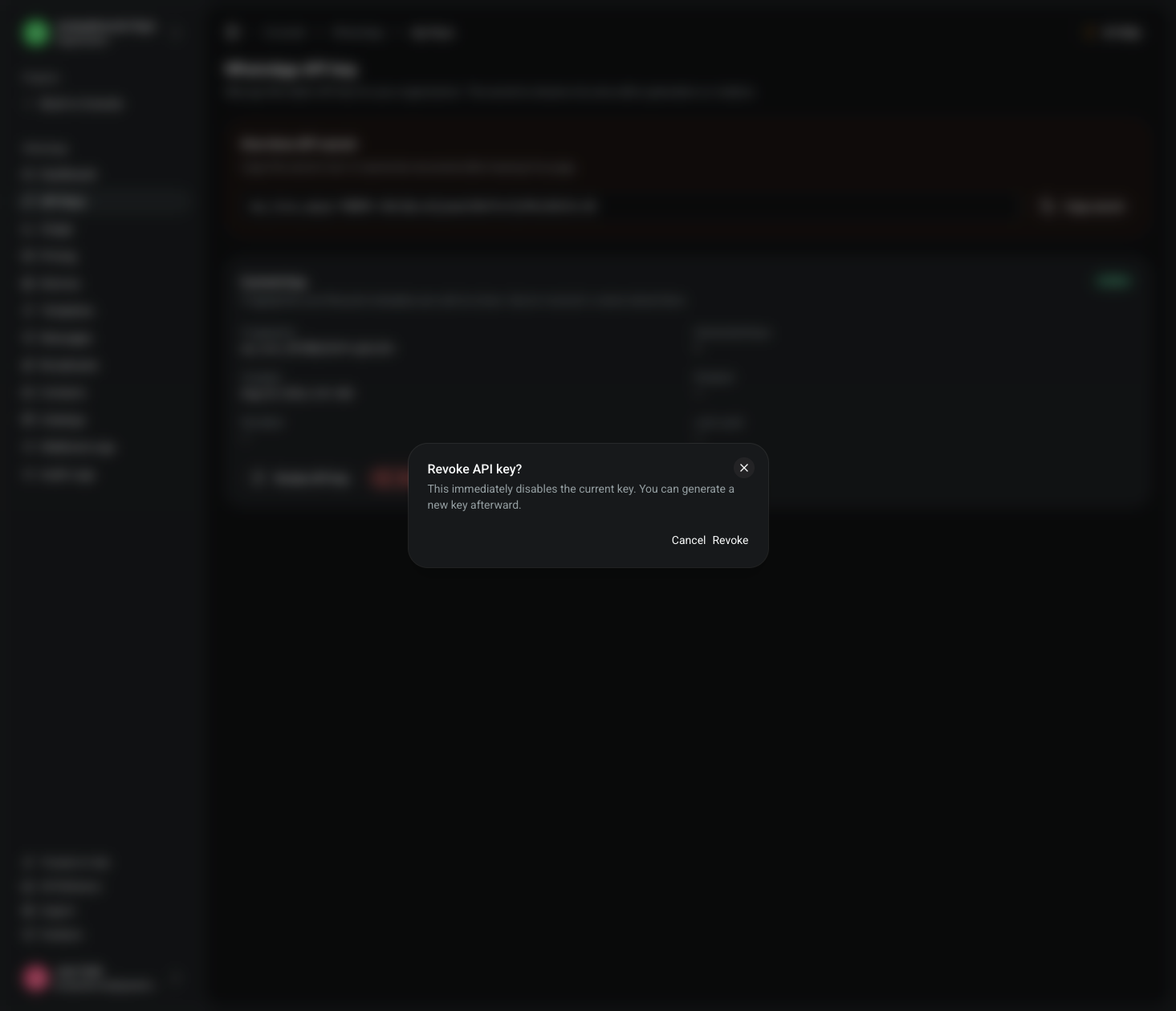
- Click "Revoke API key".
- Confirm the revocation dialog.
- The key status switches to Revoked, and incoming requests using this key will receive
401 Unauthorized.
4. Authenticating API Requests
To authenticate requests to the WhatsApp API endpoints, provide your API key in standard Authorization: Bearer <API_KEY> header or x-api-key header.
Example: Checking WhatsApp Devices Status
Verify your API key and inspect connected WhatsApp phone numbers and device health:
curl -X GET "https://pfnapp.id/api/whatsapp/devices" \
  -H "Authorization: Bearer pfn_wa_sec_xxxxxxxxxxxxxxxxxxxxxxxxxxxxxxxx"
OpenAPI Specification & SDK Reference
For detailed request/response schemas, query parameters, error codes, and SDK generation, refer to the interactive OpenAPI documentation:
5. Audit & Compliance
All API key lifecycle events are recorded in the immutable audit log:
ORGANIZATION_API_KEY_GENERATEDORGANIZATION_API_KEY_ROTATEDORGANIZATION_API_KEY_REVOKED
Organization administrators can view historical activity and fingerprint records under the Audit Logs tab in the management console.