This guide walks you through sending your first WhatsApp message from your backend system to your mobile device in just a few minutes.
1. Message Preview on Mobile
Here is how the test message appears on the recipient's WhatsApp screen:
CODE
1┌──────────────────────────────────────────────┐
2│ 🟢 PFNApp Official │
3│ │
4│ Hello! This is your first test message sent │
5│ via the WhatsApp Business API. │
6│ │
7│ 10:45 ✓✓ │
8└──────────────────────────────────────────────┘
2. Quick Setup (1 Minute)
Before making your first API call, prepare the following:
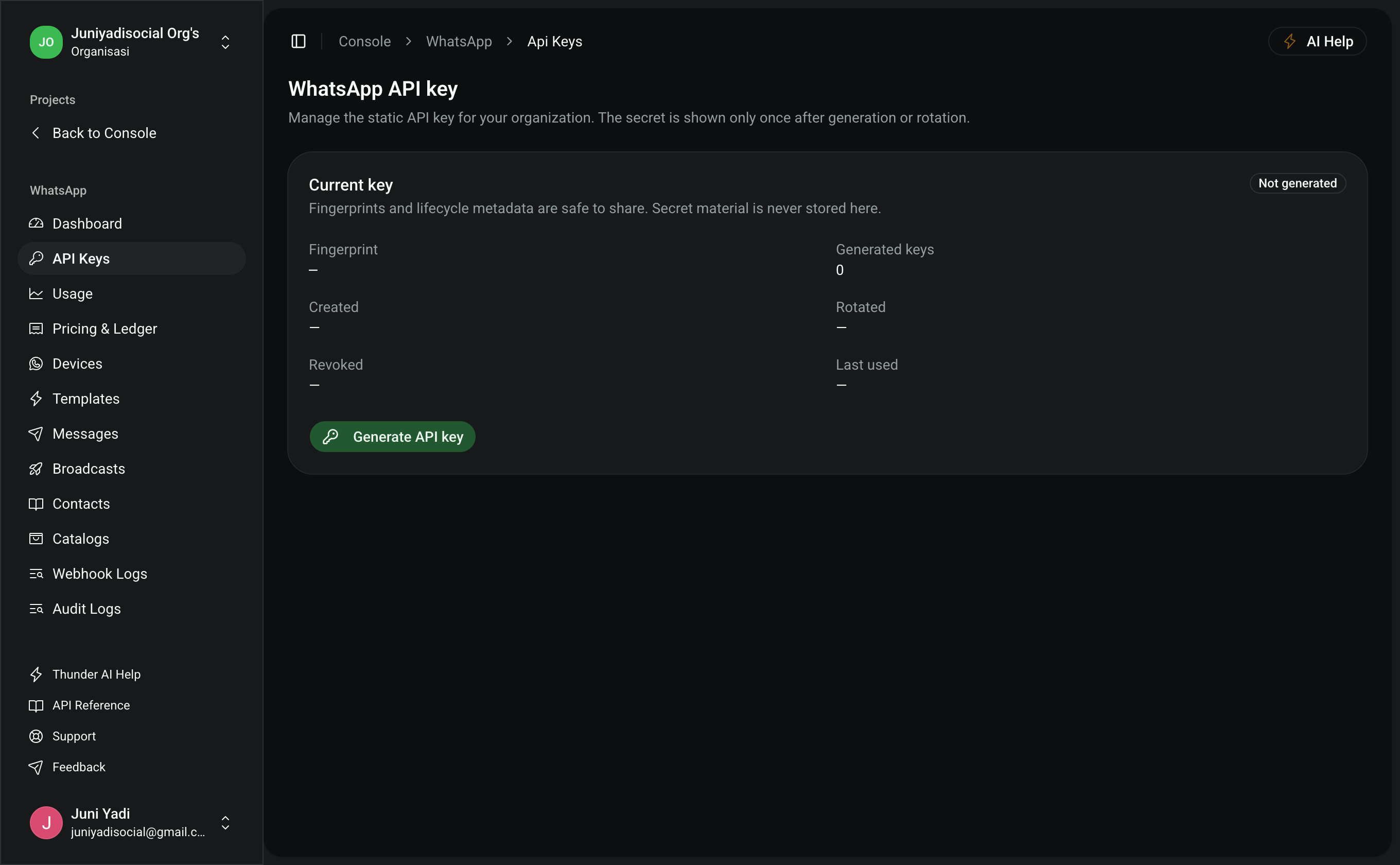
- Organization API Key: Go to Console > WhatsApp > API Keys (
/console/whatsapp/api-keys), click Generate API Key, and securely save your token. - Recipient Number Format (E.164): Always use the international format starting with a plus sign (
+) and country code without leading zeros.- ✅ Correct:
+6281234567890 - ❌ Incorrect:
081234567890,62812-3456-7890
- ✅ Correct:
3. Dispatch Test Message (Select Your Stack)
The message dispatch endpoint is POST https://pfnapp.id/api/whatsapp/messages.
cURL
BASH
1curl -X POST "https://pfnapp.id/api/whatsapp/messages" \
2 -H "Authorization: Bearer <YOUR_API_KEY>" \
3 -H "Content-Type: application/json" \
4 -d '{
5 "to": "+6281234567890",
6 "type": "text",
7 "text": {
8 "body": "Hello! This is your first test message sent via the WhatsApp Business API."
9 }
10 }'
Node.js / TypeScript (Fetch API)
TYPESCRIPT
1const API_KEY = process.env.PFN_WHATSAPP_API_KEY || "pfn_wa_sec_YOUR_API_KEY"
2
3async function sendQuickMessage() {
4 const response = await fetch("https://pfnapp.id/api/whatsapp/messages", {
5 method: "POST",
6 headers: {
7 Authorization: `Bearer ${API_KEY}`,
8 "Content-Type": "application/json",
9 },
10 body: JSON.stringify({
11 to: "+6281234567890",
12 type: "text",
13 text: {
14 body: "Hello! This is your first test message sent via the WhatsApp Business API.",
15 },
16 }),
17 })
18
19 const result = await response.json()
20 console.log("Dispatch Result:", result)
21}
22
23sendQuickMessage()
PHP / Laravel (Http Client)
PHP
1use Illuminate\Support\Facades\Http;
2
3$response = Http::withToken(config('services.pfn.whatsapp_key'))
4 ->post('https://pfnapp.id/api/whatsapp/messages', [
5 'to' => '+6281234567890',
6 'type' => 'text',
7 'text' => [
8 'body' => 'Hello! This is your first test message sent via the WhatsApp Business API.',
9 ],
10 ]);
11
12if ($response->successful()) {
13 $data = $response->json();
14 logger()->info("Message dispatched successfully. ID: " . $data['id']);
15}
Python (Requests)
PYTHON
1import os
2import requests
3
4api_key = os.getenv("PFN_WHATSAPP_API_KEY", "pfn_wa_sec_YOUR_API_KEY")
5
6payload = {
7 "to": "+6281234567890",
8 "type": "text",
9 "text": {
10 "body": "Hello! This is your first test message sent via the WhatsApp Business API."
11 }
12}
13
14response = requests.post(
15 "https://pfnapp.id/api/whatsapp/messages",
16 headers={
17 "Authorization": f"Bearer {api_key}",
18 "Content-Type": "application/json",
19 },
20 json=payload,
21)
22
23print("Status:", response.status_code)
24print("Response:", response.json())
4. Verifying Delivery Status
Once dispatched, track message statuses inside the Console:
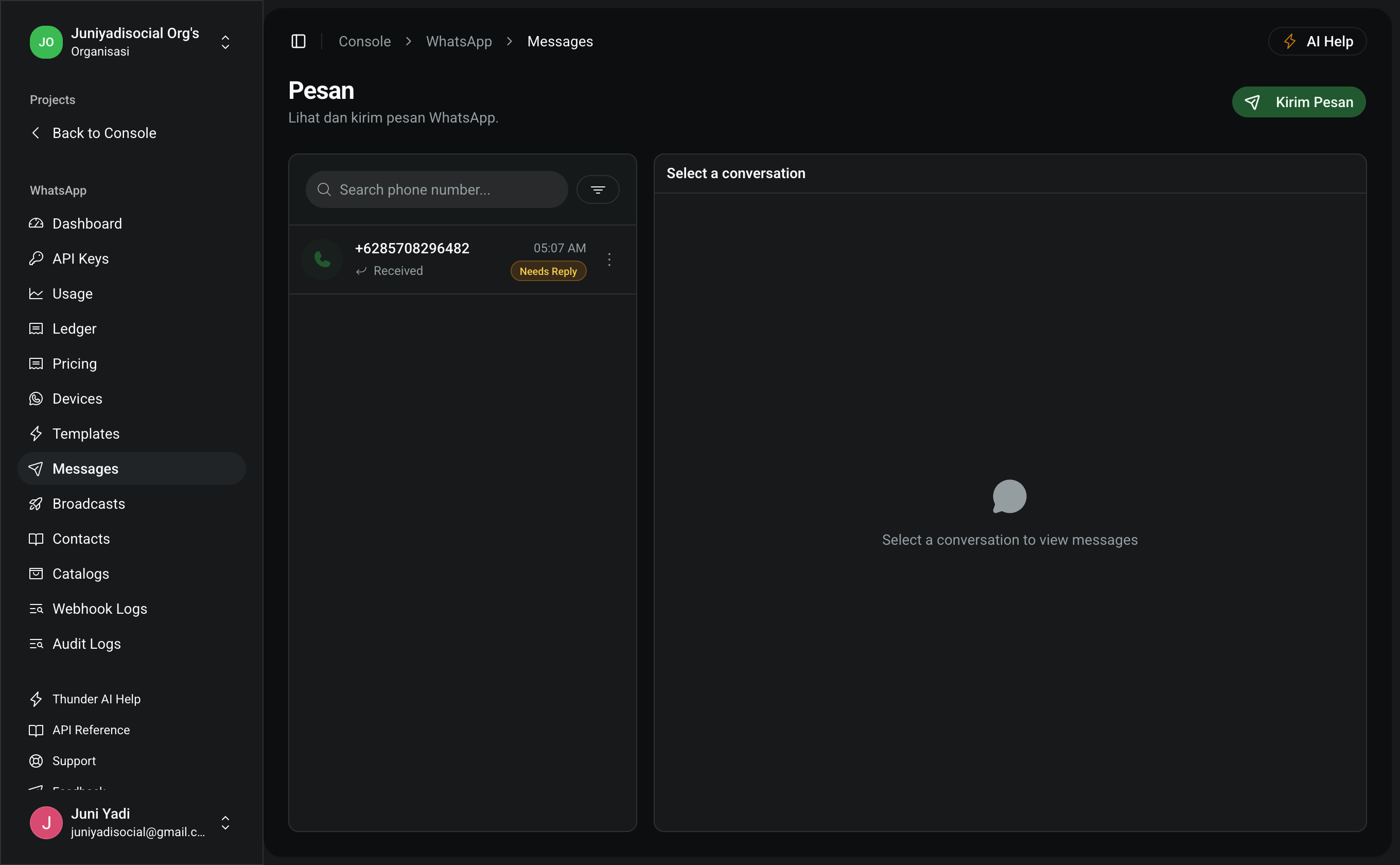
- Navigate to Console > WhatsApp > Messages (
/console/whatsapp/messages). - Review status badges:
- SENT: Message accepted by WhatsApp cloud servers.
- DELIVERED: Successfully delivered to the user's device (double gray checkmarks).
- READ: Opened and read by the user (double blue checkmarks).
- FAILED: Dispatch failed (e.g., unregistered phone number or insufficient balance).