
This guide explains how to configure automated early-warning alerts for organization deposit balances and service quotas.
1. Importance of Billing Alerts
Automated operations like container renewal and WhatsApp Cloud API message metering depend on available deposit funds. If balance reaches zero:
- Recurring subscriptions risk suspension.
- Real-time WhatsApp API outbound messages will be rejected due to insufficient credits.
Configuring Billing Alerts (/console/billing/alerts) ensures your finance and engineering teams are notified well in advance of depletion.
2. Setting Alert Thresholds
Navigate to Console > Billing > Alerts.
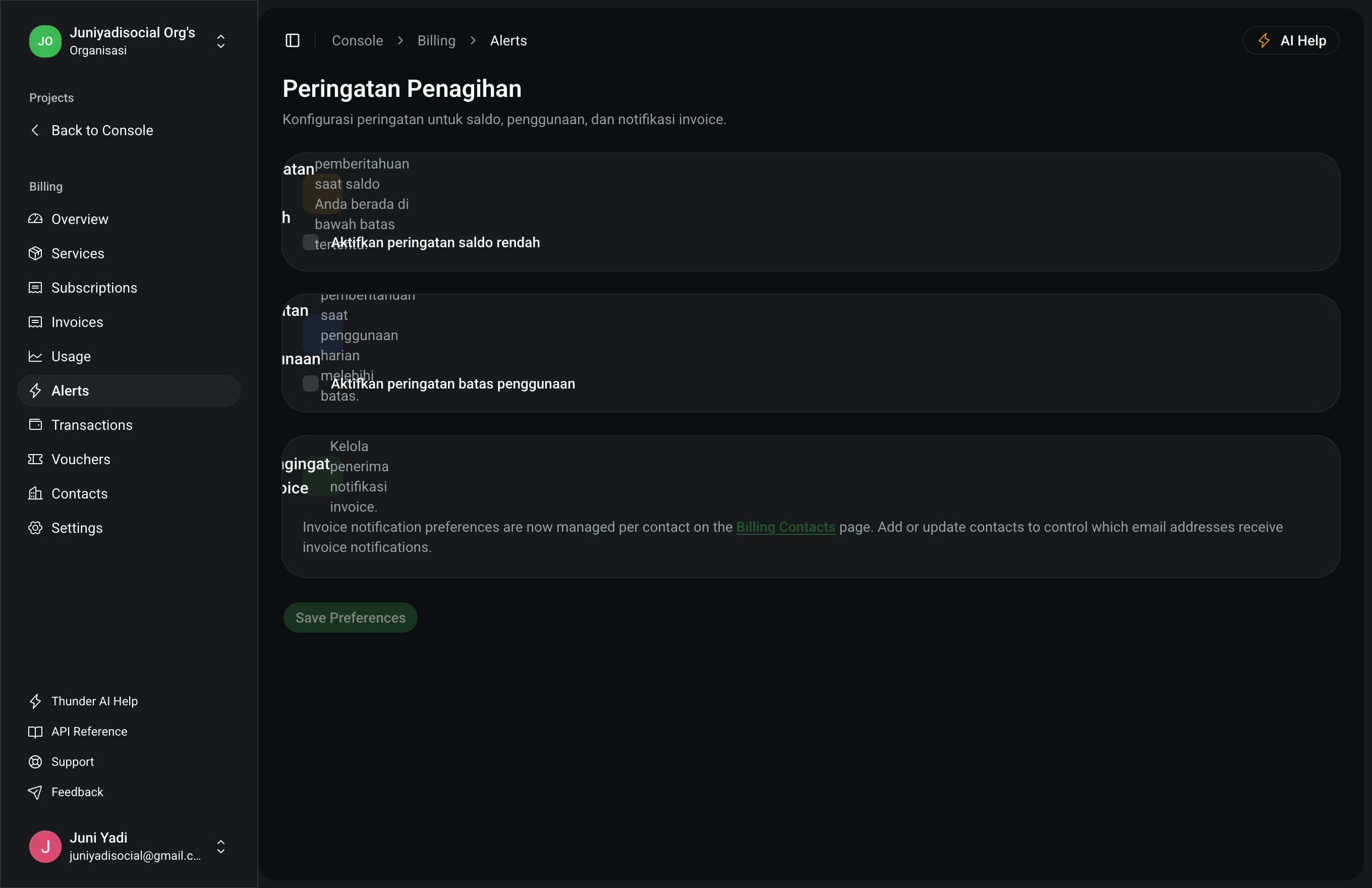
Setup Steps:
- Low Balance Threshold: Enter the minimum balance amount that triggers an automated alert.
- Notification Targets: Route alert emails to Organization Admins or dedicated Billing Contacts.
- Notification Cadence: Select reminder intervals (daily digest vs event-driven triggers).
- Click "Save Changes" to activate alerting policies.