
This guide explains how to browse the PFNApp service catalog, select compute specifications or API quotas, and activate subscription plans for your organization.
1. Browsing the Service Catalog
The Services Catalog (/console/billing/services) displays all available cloud computing and API products.
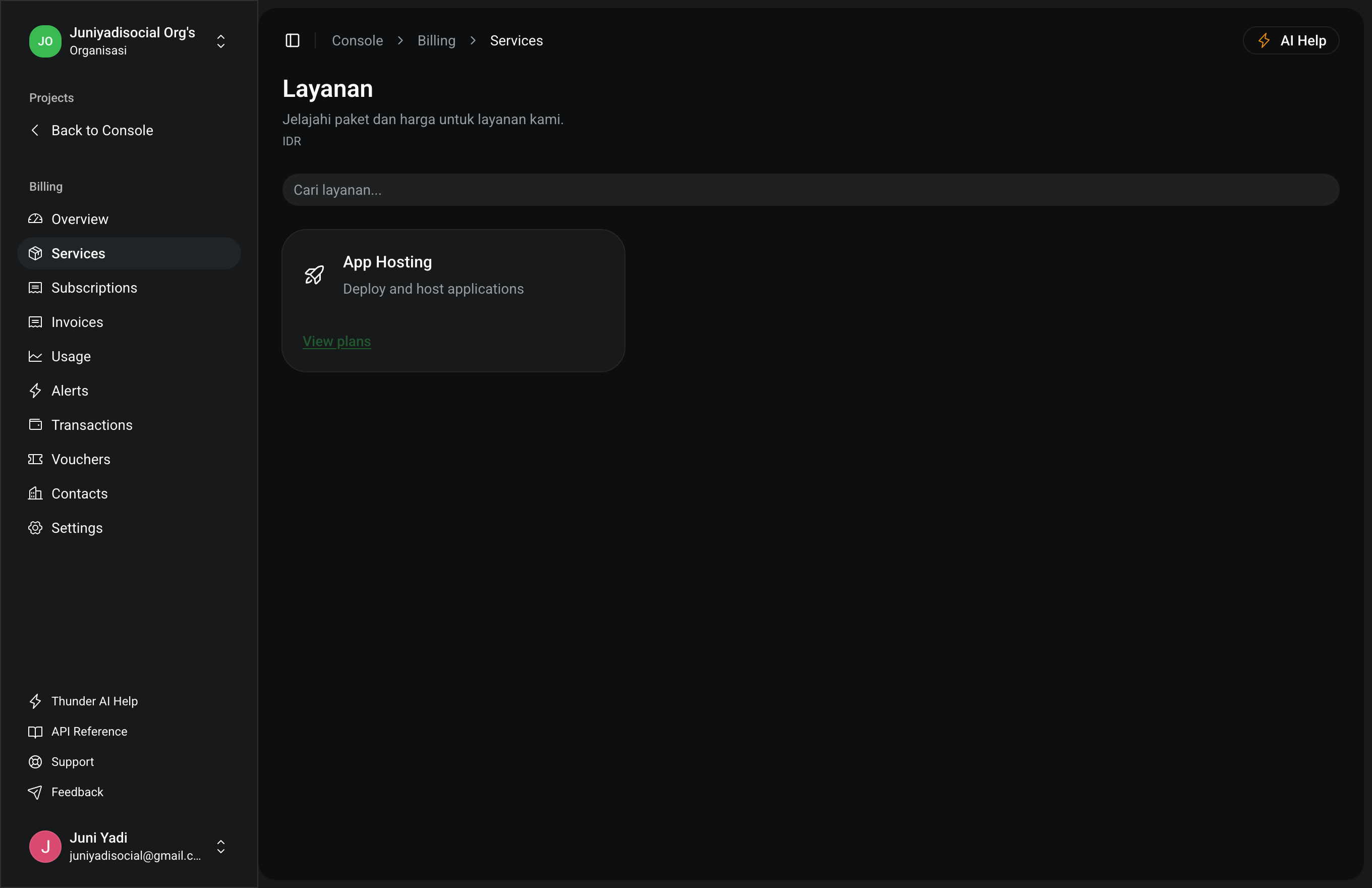
Available Product Categories:
- App Hosting (Container & Web Apps):
- Automated Docker deployments with free SSL, custom domains, and integrated load balancing.
- Tiered compute configurations from micro containers to dedicated multi-core nodes.
- WhatsApp Business Platform:
- Broadcast messaging quotas, connected device slots, and automated workflow triggers.
- WireGuard Secure VPN:
- Encrypted private networking with high-throughput multi-region exit nodes.
2. Selecting Plans & Checkout
Each service product offers structured subscription tiers:
- Starter / Entry: Ideal for development environments and early-stage applications.
- Pro / Scale: Optimized for production workloads requiring high throughput and uptime guarantees.
- Enterprise: Large-scale compute capacity with custom quota allocations and priority support.
Ordering Steps:
- Click "Select Plan" or "Subscribe" on the target service card.
- Select the billing term (Monthly or Annual with term discounts).
- Choose the payment method at checkout: Organization Balance or External Gateway (Virtual Account, QRIS, Credit Card).
- Confirm payment to provision and attach the service instantly to your organization.