
This guide explains how to manage external finance department recipients for automated tax invoices and payment receipts.
1. Why Configure Billing Contacts?
By default, transactional billing notices are sent only to the organization creator. Adding Billing Contacts (/console/billing/contacts) ensures all official accounting invoices and receipts are automatically dispatched directly to your accounts payable department.
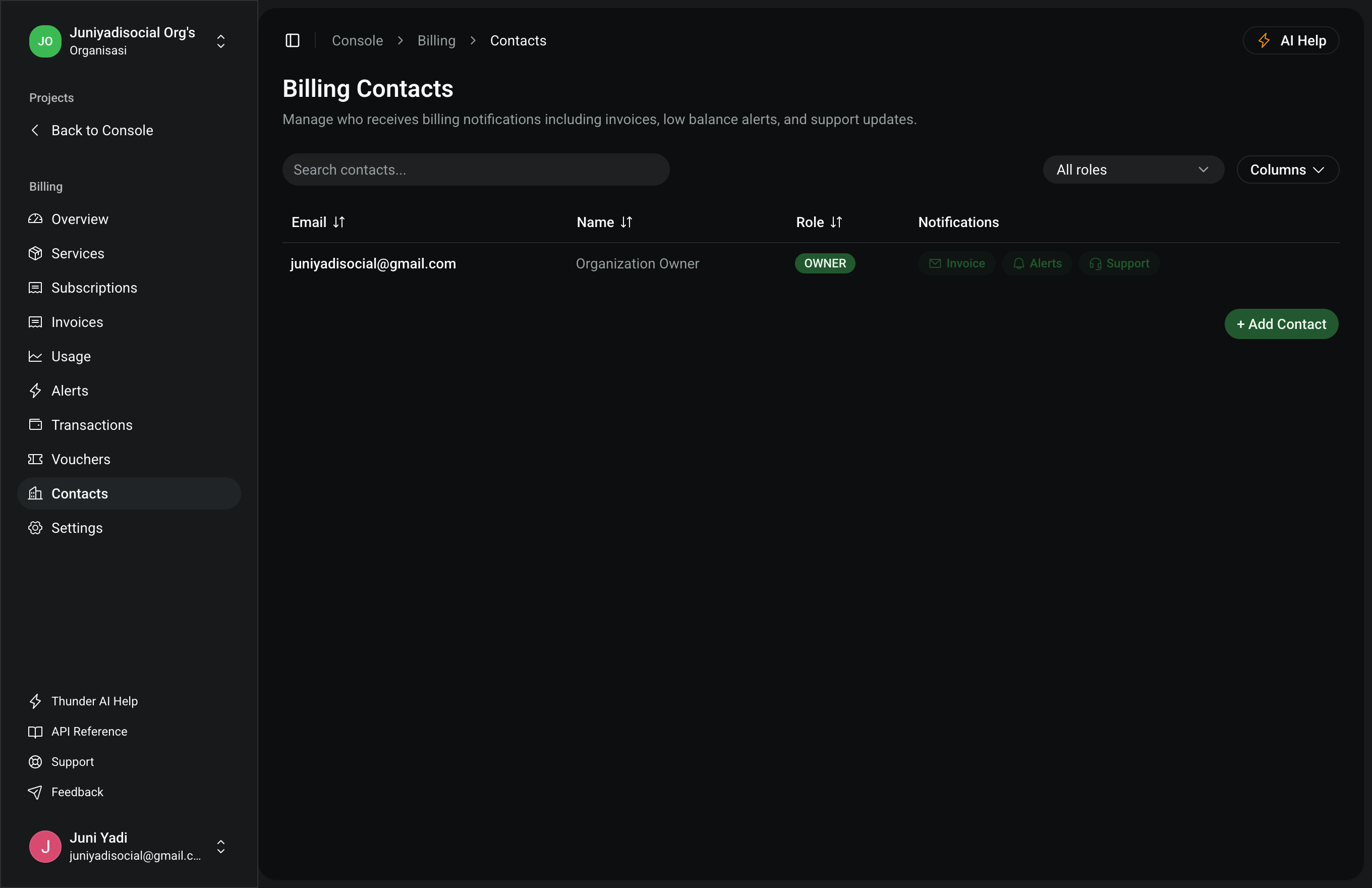
2. Adding & Managing Contacts
- Click "Add Contact".
- Complete the contact fields:
- Name: Individual name or department label (e.g. Accounts Payable Department).
- Email: Active corporate finance address (e.g. billing@company.com).
- Notification Types: Choose subscribed message categories (New Invoices, Payment Confirmations, Critical Thresholds).
- Click "Save Contact".