
This guide explains how to claim and apply promotional vouchers to receive discounts on cloud subscriptions and balance top-ups.
1. Vouchers Overview
The Vouchers page (/console/billing/vouchers) manages commercial campaign codes, partnership discounts, and credit grants.
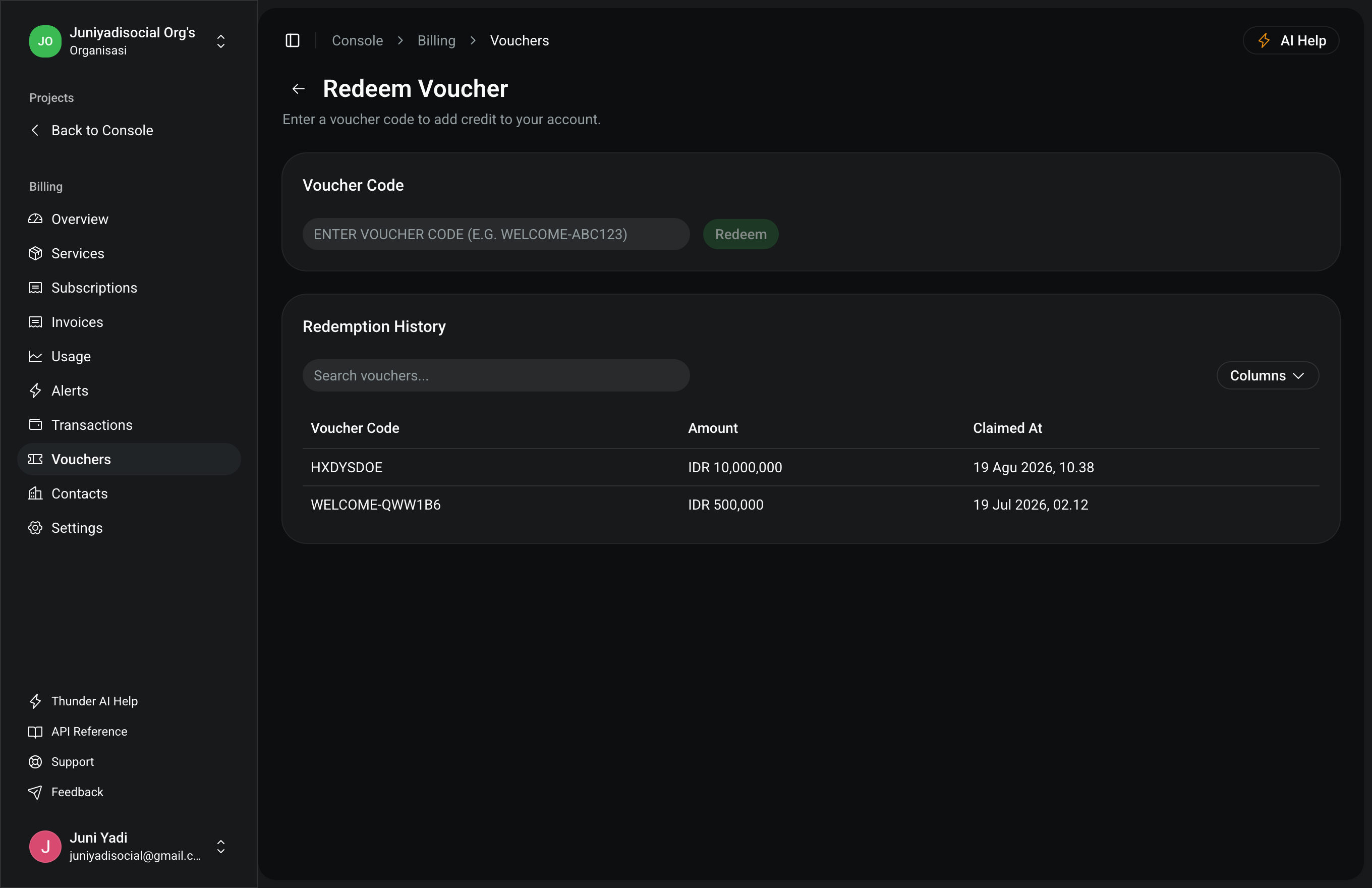
2. Claiming Promo Codes
- Obtain a valid promo code from official PFNApp campaigns or enterprise partnership agreements.
- Enter the alphanumeric code into the "Claim Voucher" input.
- Click "Claim".
- Once verified, the voucher will appear in your Active Vouchers list with its discount percentage/amount and validity countdown.
- Eligible discounts can be applied directly at checkout when purchasing service subscriptions.